Top PC Touch Panel Features to Enhance Your User Experience?
In today's digital landscape, the importance of a high-quality PC Touch Panel cannot be overstated. As technology evolves, user interaction with devices hinges on the features offered by these panels. Industry expert Dr. Emily Chen, a renowned authority in touch technology, states, "The right touch panel can transform a mundane experience into something intuitive and engaging."
PC Touch Panels provide a bridge between the user and the machine. They enhance usability, making tasks simpler and more efficient. Enhanced sensitivity and improved response time lead to a seamless interaction with software applications. Users often seek touch panels that offer vibrant displays and rugged durability.
However, not all touch panels deliver an outstanding experience. Some devices may underperform, leading to frustration. Users must research and choose wisely to find the features that best meet their needs. The potential for improvement remains significant. As manufacturers innovate, the future of PC Touch Panels looks promising, with possibilities that continuously redefine user interaction.
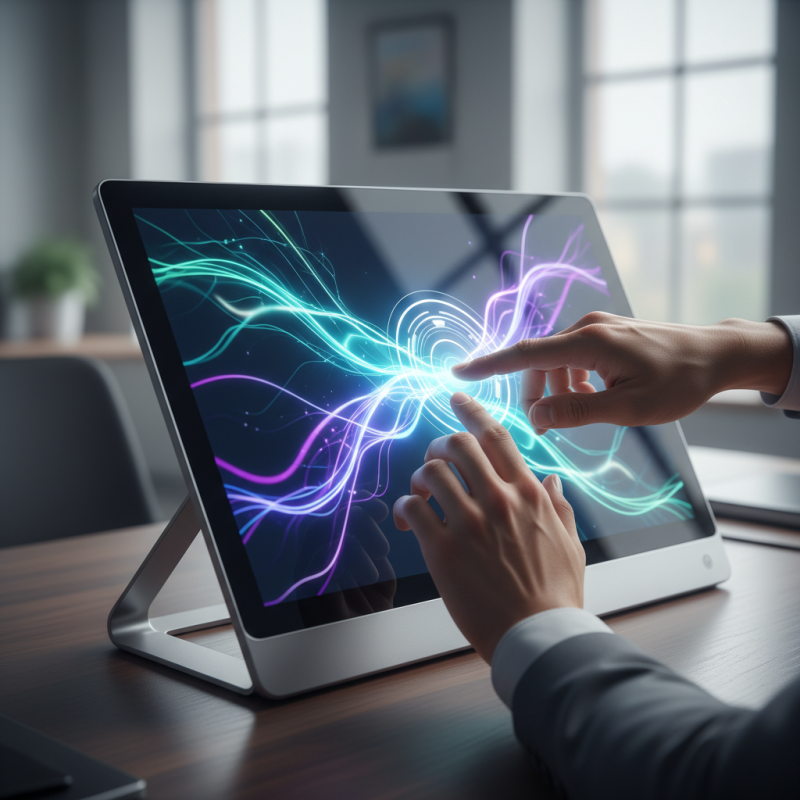
Key Benefits of Touch Panels for PC User Experience
Touch panels are becoming integral to enhance PC user experiences. They provide
intuitive interaction,
which traditional keyboards or mice cannot offer. Users can swipe, pinch, and tap
to navigate, leading to more engaging workflows. This natural way of interaction can
increase productivity,
especially in creative fields where visual precision is key.
Moreover, touch panels can make technology more accessible. Individuals with
mobility challenges may find
touch screens easier to use. They can simply tap to select or drag items, eliminating
the need for complex hand movements. However, not all touch panels are created equal.
Some may lack responsiveness, causing frustration. Users often need to adjust their
habits, which can be a learning curve.
Another aspect to consider is the impact on screen fatigue.
Extended use of touch screens may lead to discomfort. Adjusting settings or taking
breaks is crucial for overall well-being. It's essential to balance convenience with
health concerns. Touch panels can enrich the user journey, yet they require mindful
usage to avoid potential downsides.
Types of Touch Panel Technologies in Modern PCs
In modern PCs, touch panel technologies play a crucial role in user experience. There are several types of touch panels widely adopted today. Resistive touch screens are one of the most common types. They rely on pressure to register touch and are often quite affordable. However, they can struggle with multi-touch capabilities. This limitation affects user interaction, especially in complex applications.
Capacitive touch panels, on the other hand, utilize electrical conductivity. They are known for their responsiveness and support for multi-touch gestures. According to recent industry reports, the capacitive touch panel market is expected to grow by over 12% annually until 2025. Despite their advantages, they can be less effective in environments with moisture or extreme temperatures.
Optical touch screens offer a different approach. They use cameras or lasers to detect touch and can provide large interactive surfaces. However, they can be sensitive to lighting conditions. These factors may affect the accuracy and reliability of user input. Each technology has strengths and weaknesses, leading to ongoing discussions about the best solution for various applications.
Essential Features of Touch Panels for Enhanced Interaction
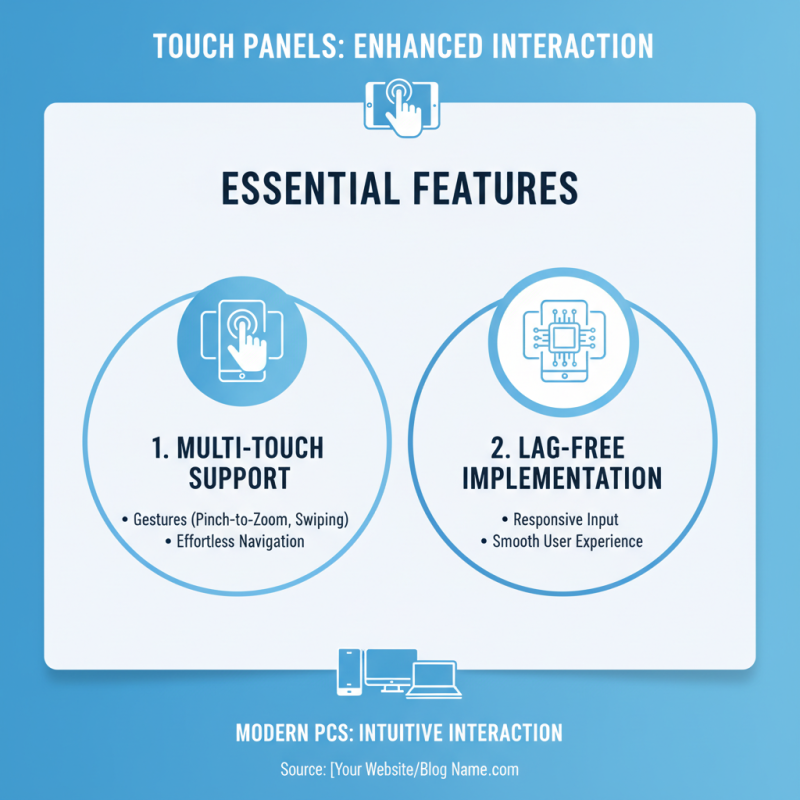
Touch panels have evolved to become integral components of modern PCs. They offer an intuitive way for users to interact with their devices. One essential feature of these panels is multi-touch support. This allows users to use gestures, such as pinch-to-zoom or swiping, making navigation effortless and engaging. Many users appreciate this flexibility, but implementing it without lag can be a challenge.
Another critical aspect is screen responsiveness. A responsive touch panel reacts quickly to input, reducing frustration during use. Delays can disrupt workflows, especially in creative tasks or gaming. User expectations are high; even minor delays can lead to dissatisfaction. Additionally, incorporating haptic feedback provides tactile responses, improving the interaction's physical sense. Users often seek these nuances to create a connection with their devices.
Durability also plays a role in enhancing user experience. A touch panel must withstand daily wear and tear. Users should consider materials and buildup while choosing devices. Scratches and cracks can turn a satisfactory experience into a disappointing one. Not all touch panels are equal, and testing them personally can reveal much about their usability and longevity. Each of these factors contributes to an enriched interaction and must be carefully considered.
Impact of Touch Interfaces on Productivity and Usability
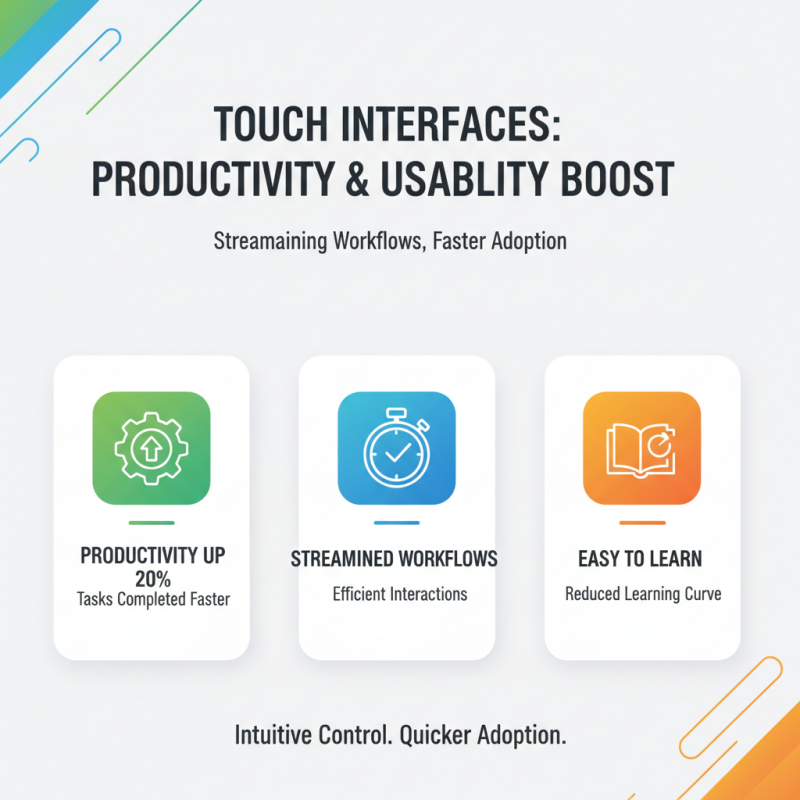
The impact of touch interfaces on productivity and usability is profound. Recent studies indicate that touch-enabled devices can increase productivity by up to 20%. Users can complete tasks faster, as touch interactions often streamline workflows. The intuitive nature of touch controls reduces the learning curve, allowing new users to adopt technology more quickly.
Adopting touch panels can also enhance usability. Research shows that users find touch interfaces more engaging, which can lower frustration levels. Estimated metrics suggest a 30% improvement in task completion rates when users interact with touch screens. However, not all touch interfaces are created equal. Poorly designed touch targets can lead to errors, causing inefficiencies.
Importantly, while touch interfaces boost speed and engagement, they may also create new challenges. Users can experience fatigue from extended touch interactions. This nuance reminds designers to balance touch features to maintain comfort. Continuous feedback loops can lead to better designs, ensuring that touch technology remains a positive force for productivity.
Future Trends in Touch Panel Development for PCs
The future of touch panel development for PCs is both exciting and complex. As touchscreen technology advances, there will be an increasing emphasis on user adaptability. This means panels may offer customizable interfaces, enabling users to tailor features to their preferences. The integration of AI could lead to panels that learn user habits over time, improving efficiency and interaction.
Additionally, there's a trend towards more immersive experiences. Developers are exploring haptic feedback, which provides a tactile response to touches. This makes interactions feel more natural. However, the balance between innovation and usability is delicate. Overly complex features can overwhelm users. It's vital to ensure that enhancements do not complicate basic functions.
Moreover, sustainability is becoming crucial. Developers are urged to create more environmentally friendly materials for touch panels. This brings challenges in sourcing and production processes. The pressure to innovate responsibly is increasing. Innovations must consider long-term impacts, both for users and the planet. Reflecting on these changes will be essential in shaping a user-centric future.